




CaseForm
Screens and video use invented demo clients and cases.
A trial lawyer's case lives in many places: email, a document drive, a calendar, a notebook and a phone full of photos. CaseForm brings the matter into one record, and takes it into the courtroom when there is no signal.
The challenge
The work is in the room, and the file is everywhere else.
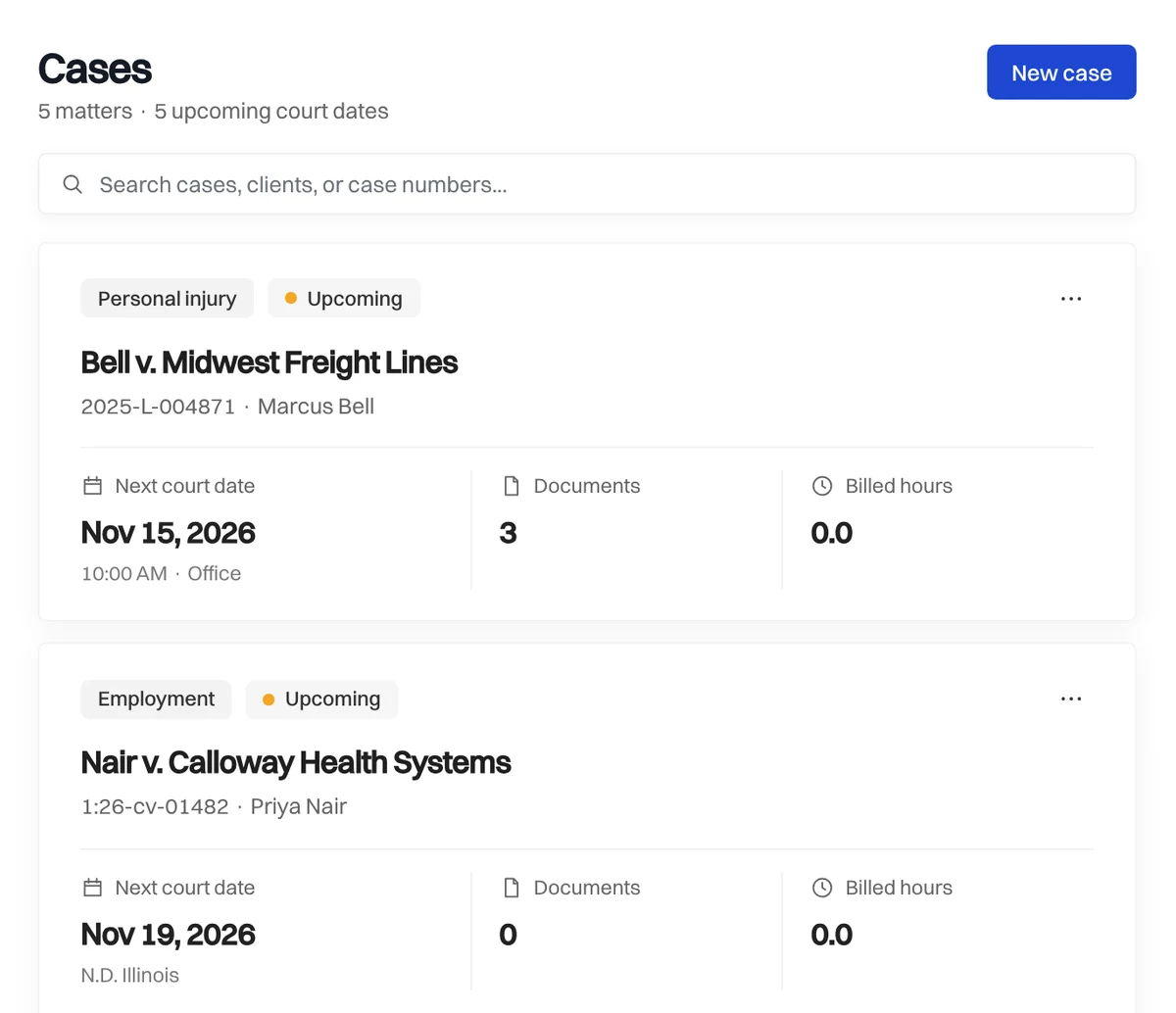
Preparing a case means reading hundreds of pages, tracking dates that cannot be missed, and finding the one paragraph that matters. The material is spread across tools that were never meant to work together.
Then the work moves to a courtroom, where reception is poor and the file has to be on hand. Anything that depends on a connection is a risk.
Lawyers also carry a professional duty to check what they rely on, so any use of AI has to show its sources and leave the judgment with the lawyer.
The interface
One calm place for the whole matter.
The work
Built around how a trial gets prepared.
01
Documents that read themselves
Every page is read, scans included, so the text is searchable and questions can be asked of a case's own documents.
02
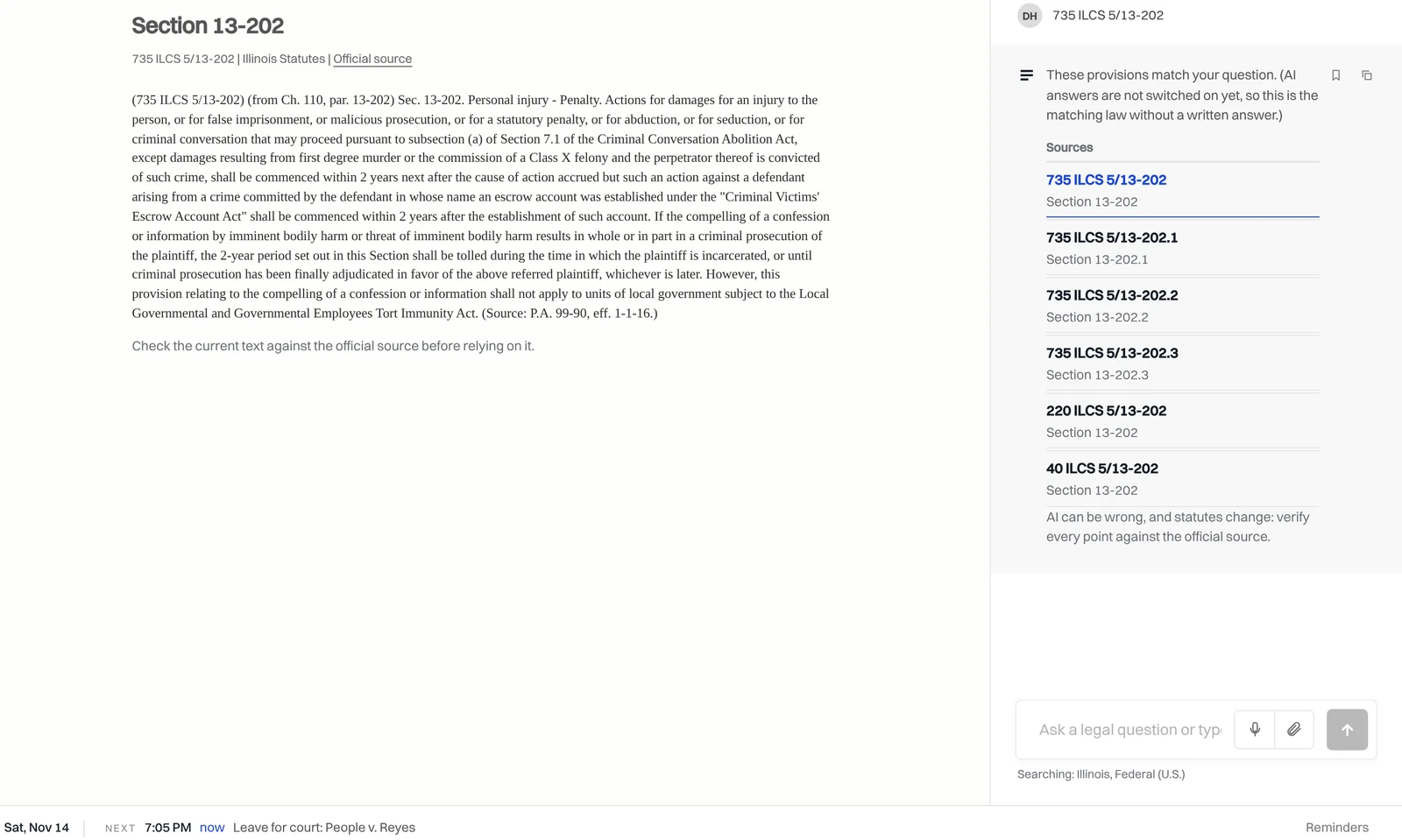
Research with sources
Answers point to the sections of law they rest on, so the lawyer reads the source and not just the summary.
03
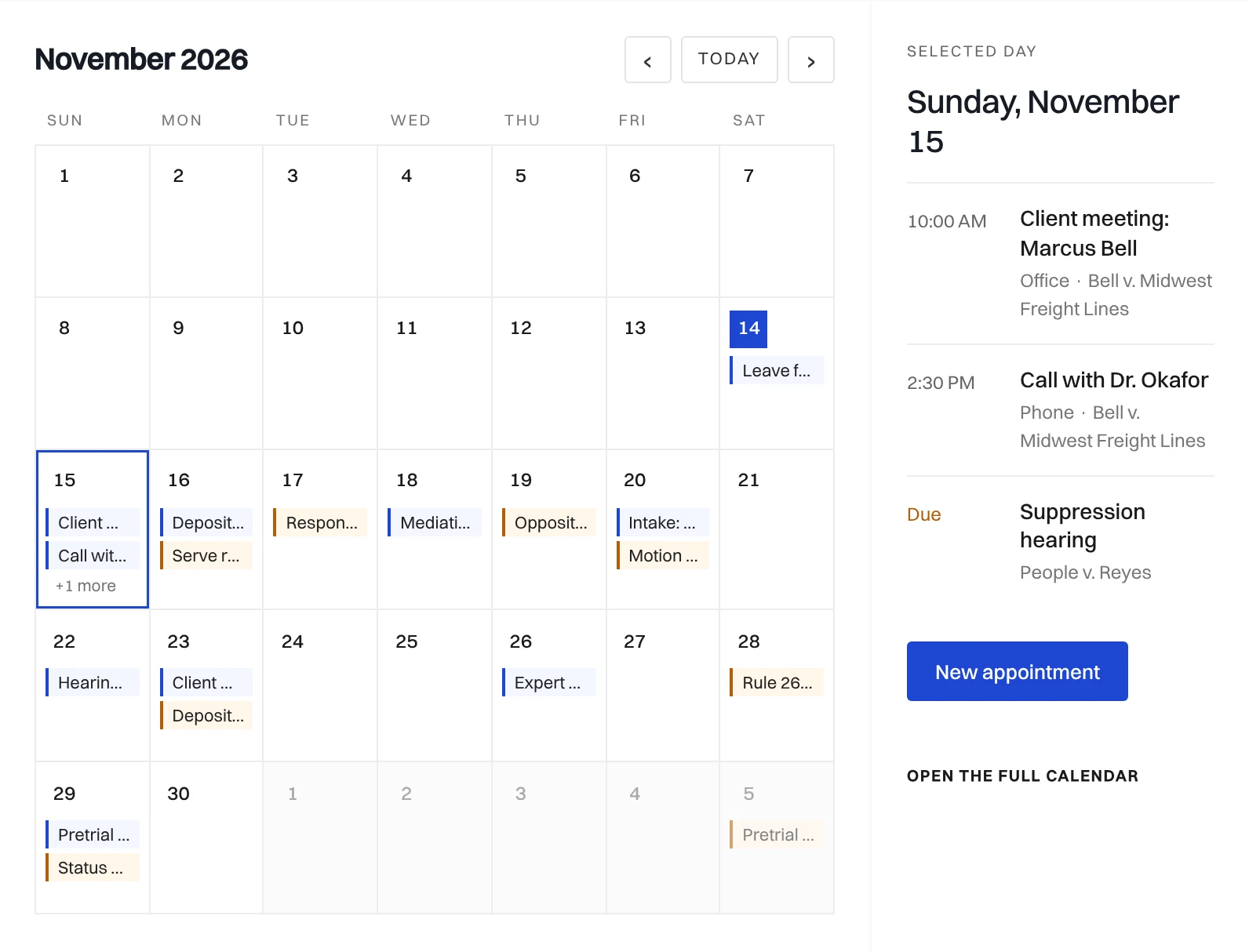
Dates that cannot slip
Deadlines set on a case appear on one calendar, and a time-to-leave reminder fires before each appointment.
04
Court mode
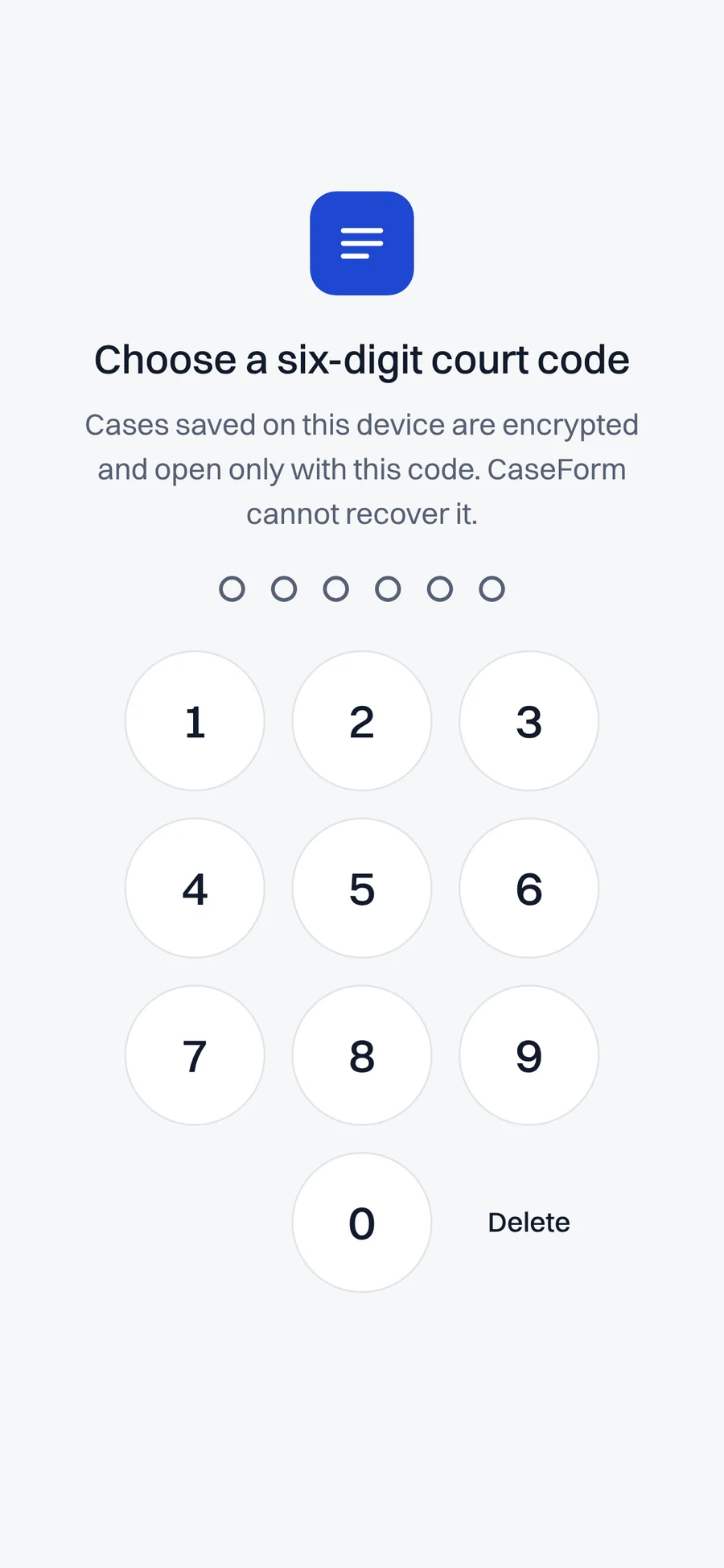
Chosen cases are saved to the device, encrypted and locked by a six-digit code. Notes, photos and dates added offline sync later.
05
Time and invoices
A timer that bills in six-minute units at a rate set on each case, and invoices made from unbilled time.
06
AI that stays a draft
AI output is flagged for lawyer review, nothing is sent or filed without approval, and each account has a monthly limit on AI use.
Behind the product
The business around the software was built too.
An owner console shows every account, support request, payment and error in one place. Billing runs through Stripe, a branded set of emails handles sign-in codes and reminders, and a marketing site publishes guides and landing pages on a schedule. The aim was a product one person can run without being buried by it.
The takeaway
Design for the room where the work happens.
The most important screen in a legal product is the one a lawyer opens in a courtroom with no signal. We started there, and built the rest of the system so that screen is always ready.

Start a conversation
What would you like to build?
Tell us about the work your team does that no existing software fits.