





Haulsheet
Screens and video use invented demo customers, loads and invoices.
Hauling teams keep load details in one place and driver updates in another, with routes, notes and contacts scattered between them. Haulsheet brings every load, route and driver update into one workspace, so the dispatcher, the driver and the customer all see the same day.
The challenge
Scattered work slows everything down.
Drivers ask the same questions twice. Dispatch digs through messages to find a detail. A small change turns into confusion, and something important gets missed.
The tools on offer are either spreadsheets and screenshots, or enterprise software far larger than a small team needs. The team wanted one place for loads, routes, stops, notes, drivers and job details.
It had to be simple from the first day: clear on a laptop in the office and on a phone in the truck, with no training and no heavy setup.
The interface
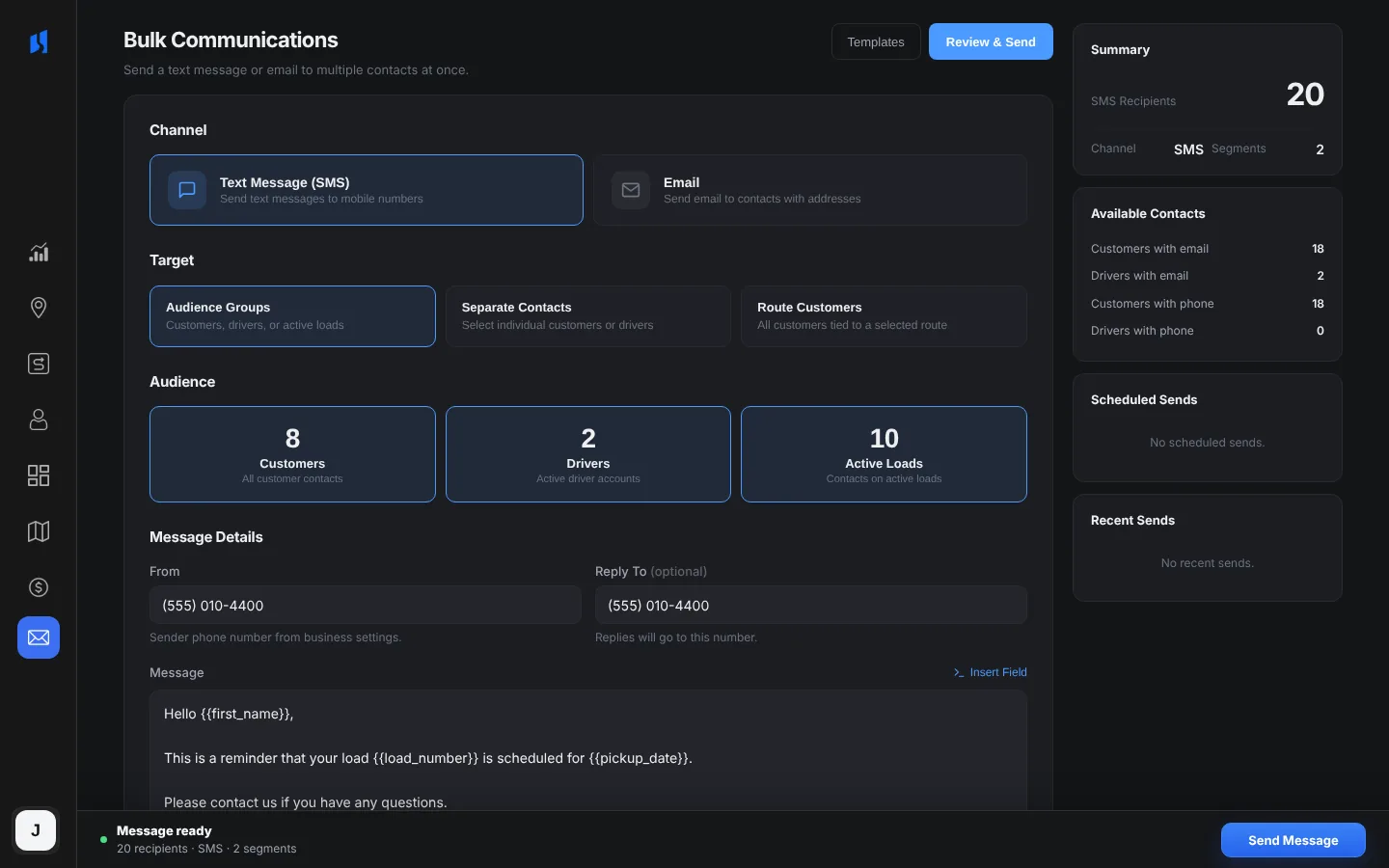
Calm screens built for the working day.
How a load moves
From a request to a settled invoice.
01
Request
A customer sends the public quote form, or a dispatcher adds the load by hand. Each load is checked for missing details.
02
Quote
A quote is built from a base fee, mileage, labor and crating, then sent to the customer to approve.
03
Route
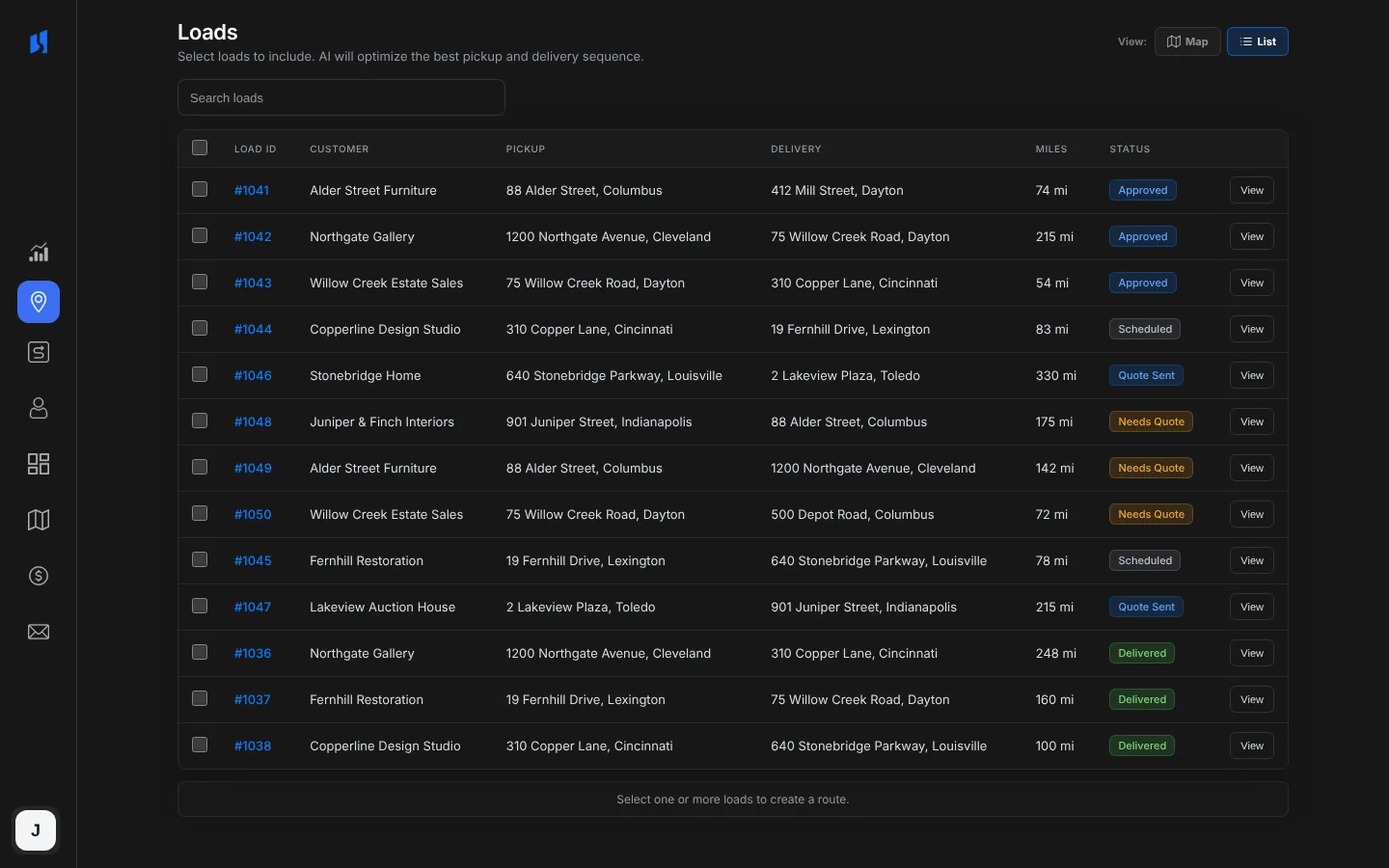
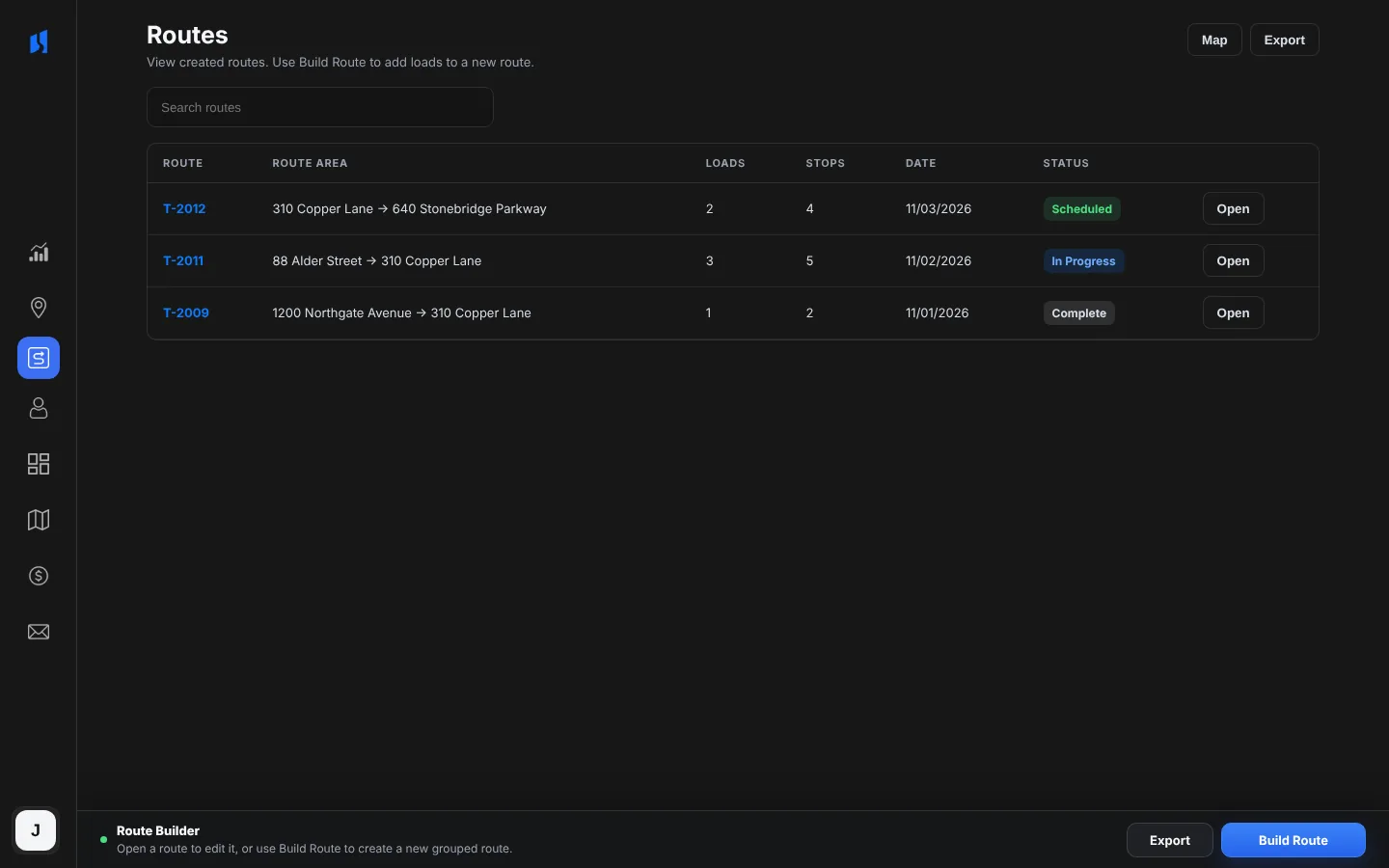
Approved loads are grouped into a route, by hand or from suggested groupings, with mileage worked out from the addresses.
04
Drive
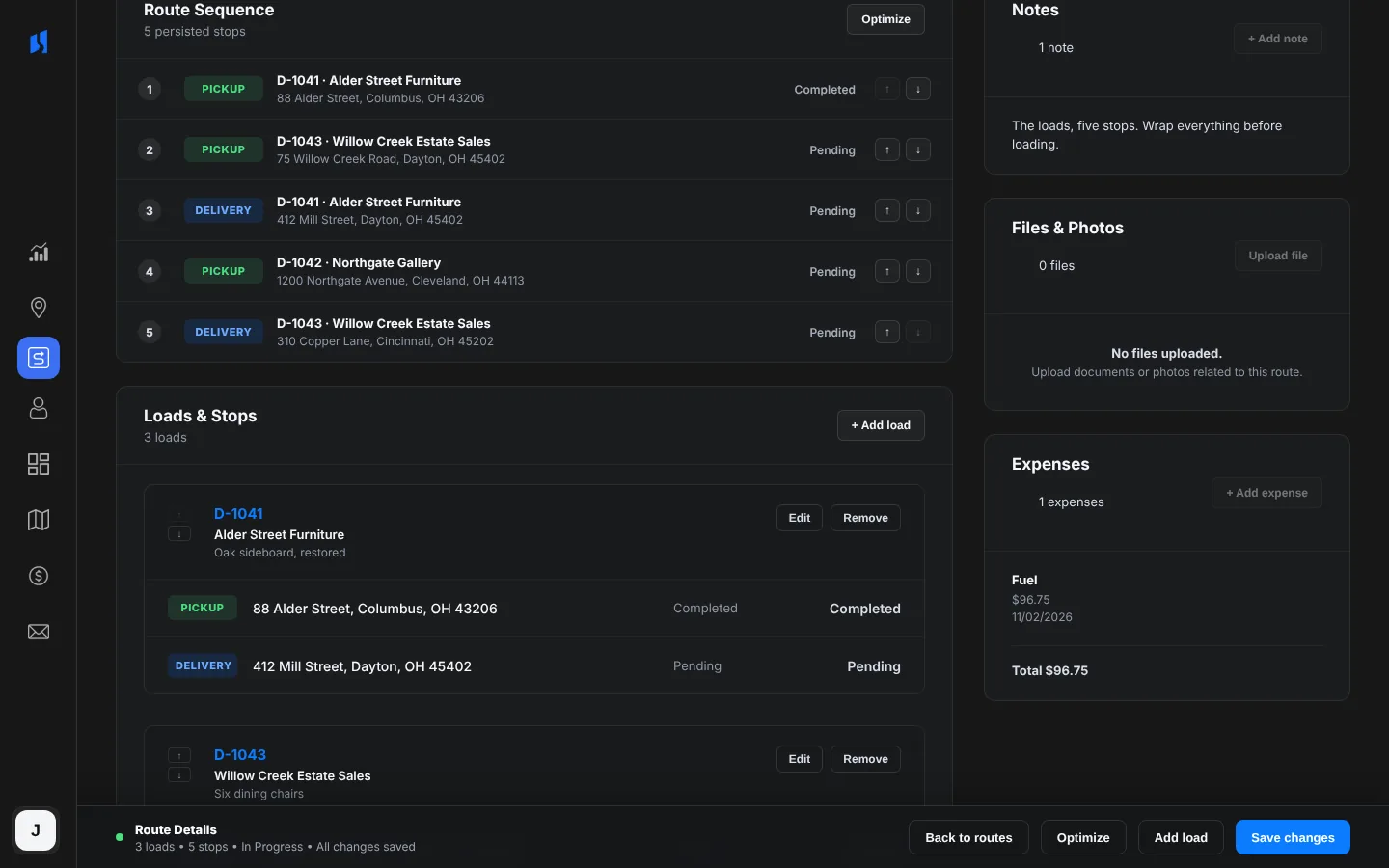
The driver opens the route on a phone, follows each stop, opens it in Apple Maps or Google Maps and adds photos.
05
Tell
Customers get a text or an email as their load moves, when their details are on file and they have agreed to texts.
06
Settle
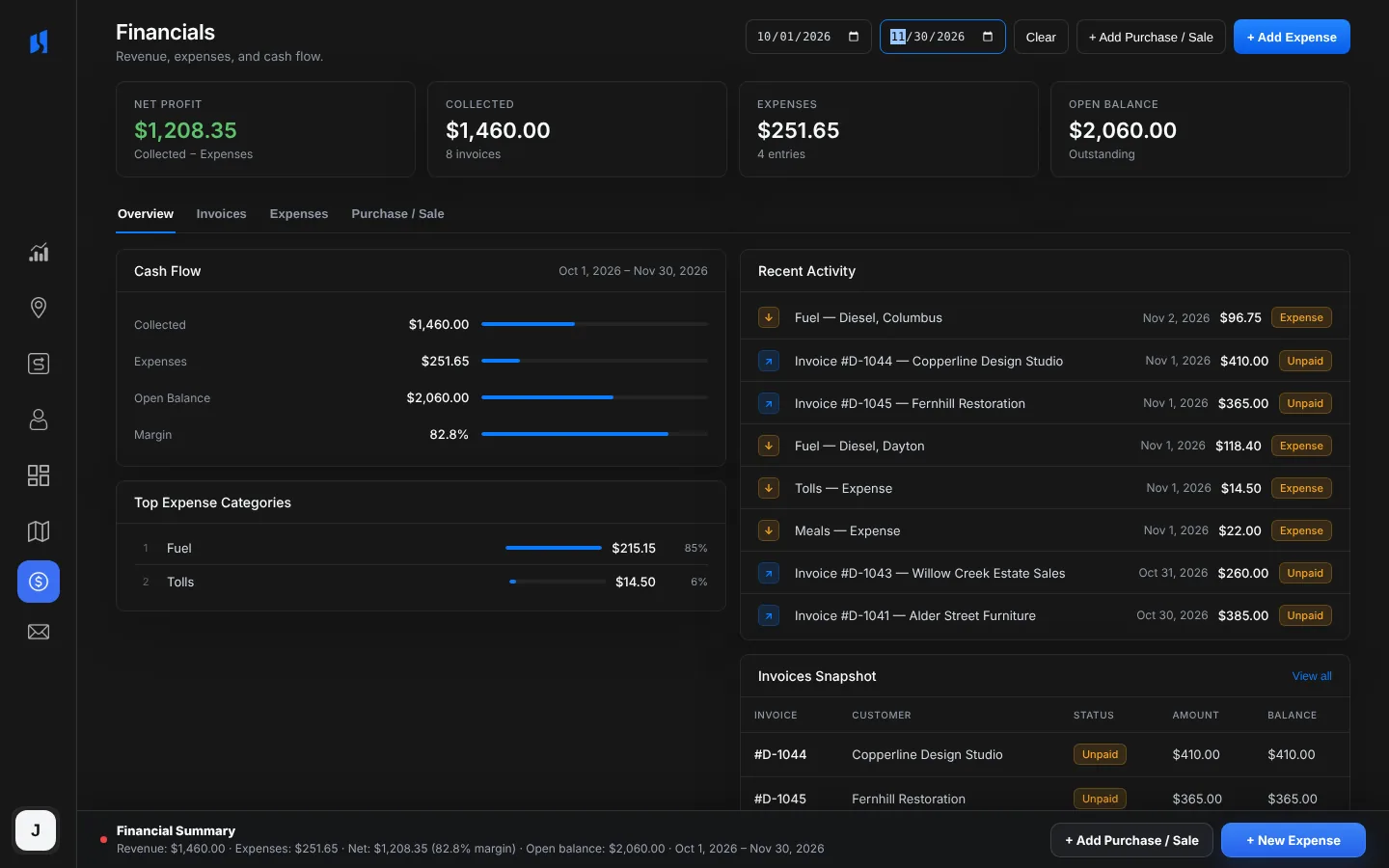
Payments, expenses and mileage land in financials, and everything exports to CSV or Excel, with accounting rows for Quicken.
The customer side
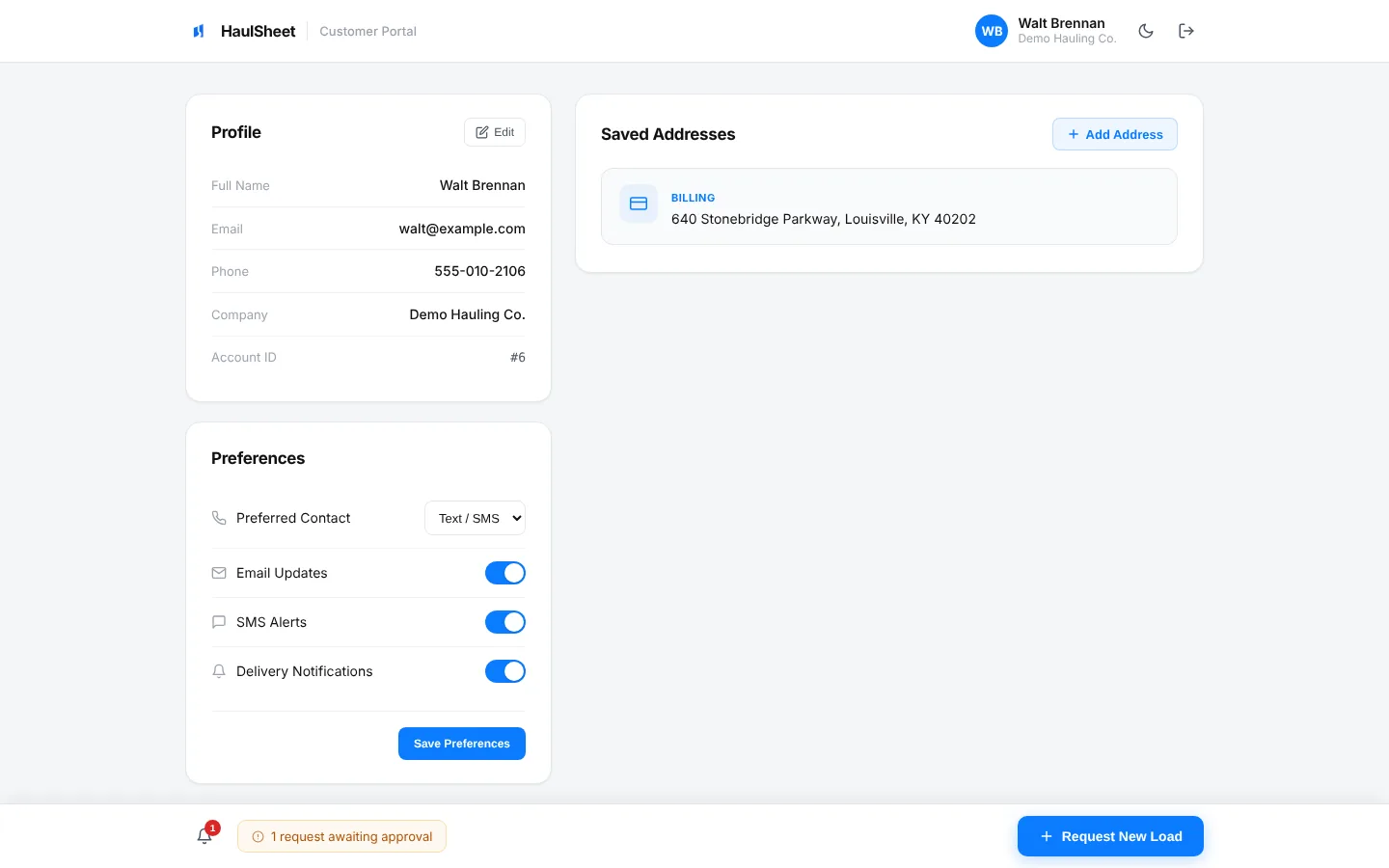
Customers get a place of their own.
The takeaway
Clarity, not more software.
A hauling day goes wrong when people are working from different versions of it. Haulsheet keeps one: the same load, the same route and the same status for everyone who touches it.

Start a conversation
What does your team still run on spreadsheets and texts?
Tell us about the process that takes too much of your team's time.